

Close Menu
New York Examiner News

    Subscribe to Updates

    Get the latest creative news from FooBar about art, design and business.

    What's Hot

    The 11 Best U.K. Prog Rock Groups of All Time

    June 1, 2026

    Financial fraud in an era of blockchain and AI

    June 1, 2026

    Interior Secretary Falls Apart And Admits Trump Is Grifting Off America’s 250th Anniversary

    June 1, 2026
    Facebook X (Twitter) Instagram
    New York Examiner News
    • Home
    • US News
    • Politics
    • Business
    • Science
    • Technology
    • Lifestyle
    • Music
    • Television
    • Film
    • Books
    • Contact
      • About
      • Amazon Disclaimer
      • DMCA / Copyrights Disclaimer
      • Terms and Conditions
      • Privacy Policy
    New York Examiner News
    Home»US News»Microsoft to drop SMS login codes for personal accounts over security risks
    US News

    Microsoft to drop SMS login codes for personal accounts over security risks

    By AdminJune 1, 2026
    Facebook Twitter Pinterest LinkedIn WhatsApp Email Reddit Telegram
    Microsoft to drop SMS login codes for personal accounts over security risks


    NEWYou can now listen to Fox News articles!

    If you have ever waited for a login code that never showed up, you already know the pain. You type in your password. Microsoft asks for a code. Then you stare at your phone like it owes you money. Now Microsoft wants to move even further away from that routine.

    The company says it will phase out SMS codes as a sign-in and account recovery method for personal Microsoft accounts. Instead, Microsoft wants more people to use passkeys and verified email. This affects anyone who uses a personal Microsoft account. That can include Outlook, OneDrive, Windows, Xbox or Microsoft 365 users.

    That may sound like another tech company forcing you to change your habits. In this case, though, there is a real security reason behind it. Text-message codes helped make account logins safer for years. They were never built, however, to protect your digital life. Crooks have learned how to abuse them, steal them and trick people into handing them over.

    SIM SWAP SCAM DRAINED FLORIDA WOMAN’S BANK ACCOUNT IN MINUTES
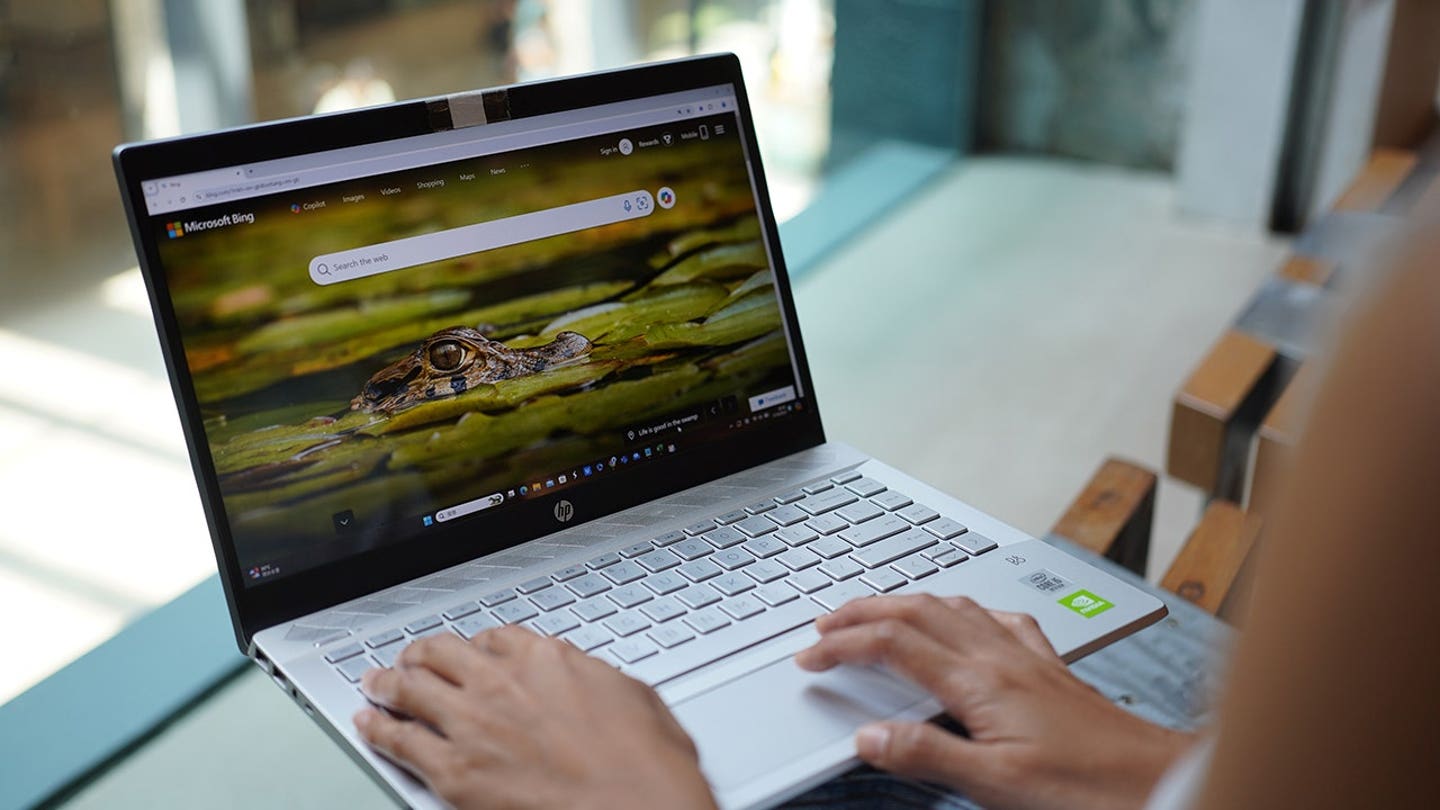
    Microsoft is phasing out SMS codes for personal account sign-ins and recovery, pushing users toward passkeys and verified email for stronger security. (Photo Illustration by Serene Lee/SOPA Images/LightRocket via Getty Images)


    Join CyberGuy Live: Lock Down Your Phone in 30 Minutes (Saturday, June 13, 10 am ET)

    Your phone holds your email, passwords, photos, banking apps and personal data. In this free, live online class, Kurt the CyberGuy will walk you step by step through simple phone security fixes you can do in real time. You’ll learn how to improve your privacy settings, spot the latest phone scams, use trusted security tools and walk away with a simple checklist to stay protected. Register here: CyberGuyLive.com.

    Why Microsoft is moving away from SMS codes

    Microsoft says SMS authentication has become a major source of fraud. Text messages can be intercepted, stolen through SIM-swap scams or captured through phishing attacks. That creates a real problem because your Microsoft account can unlock a lot. It may connect to Outlook, OneDrive, Xbox, Windows, Microsoft 365 and saved payment details.

    Once a criminal gets into that account, the damage can spread fast. They may read your email, reset other passwords or look for private files stored in the cloud. SMS codes once felt like a strong extra layer. Today, they can give people a false sense of security.

    A scammer may call your phone carrier and try to move your number to another SIM card. They may also send a fake Microsoft login page that asks for your code. If you type it in, the scammer can use it right away. That is why Microsoft wants users to move toward passkeys. Microsoft has not listed a universal cutoff date for every personal account. However, it says users who still rely on SMS will be guided to add a verified email and set up a passkey.

    HOW SIM SWAPPING LED TO A $1.8M CYBER FRAUD CASE

    What a Microsoft passkey does

    A passkey lets you sign in without typing a traditional password. Instead, you use something already tied to your device. That may be your face, fingerprint, device PIN or a physical security key.

    Here is the key difference. A passkey uses cryptography behind the scenes. One part stays with Microsoft. The private part stays on your device or inside your password manager. A scammer cannot simply trick you into reading a passkey over the phone.

    That makes passkeys much harder to steal than SMS codes. They can also feel easier once you set them up. You may be able to sign in with your fingerprint or face instead of waiting for a text that may never arrive.

    MICROSOFT CROSSES PRIVACY LINE FEW EXPECTED

    Why Microsoft passkeys may feel confusing at first

    Security upgrades can be annoying. SMS codes are familiar. Most people know how they work. Even when they are clunky, they feel simple. Passkeys can feel confusing at first. You may wonder where the passkey lives. You may also wonder what happens if you lose your phone or whether you need one for every device.

    That confusion is real. It can get worse if you set up a new Windows PC, use a shared computer or switch devices often. The good news is that Microsoft says verified email will remain part of the account recovery process. So you should make sure your backup email address is current before you run into a lockout.

    How to set up or add a passkey to your Microsoft account

    Before you start, use a device you trust. Also, make sure your browser and operating system are updated.

    • Go to Microsoft’s account security page at account.microsoft.com/security and sign in.
    • Under Account Security, select Manage how I sign in.
    • Under Ways to prove who you are, look for Use a passkey.
    • If you already see a passkey listed, such as Apple iCloud Keychain, your account already has one set up.
    • To add another passkey or sign-in method, select Add another way to sign in to your account.
    • Choose Use a passkey or Face, fingerprint, PIN or security key, depending on the wording you see.
    • Follow the prompts on your device.
    • Choose where you want to save the passkey, such as Apple iCloud Keychain, a password manager, your phone, your computer or a physical security key.
    • Finish the setup process and confirm the passkey works.

    Note: Microsoft’s support pages may say Advanced Security Options, or Add a new way to sign in or verify. However, in the current Microsoft account dashboard, many users may see Manage how I sign in and then Add another way to sign in to your account instead.

    AMERICA’S MOST-USED PASSWORD IN 2025 REVEALED
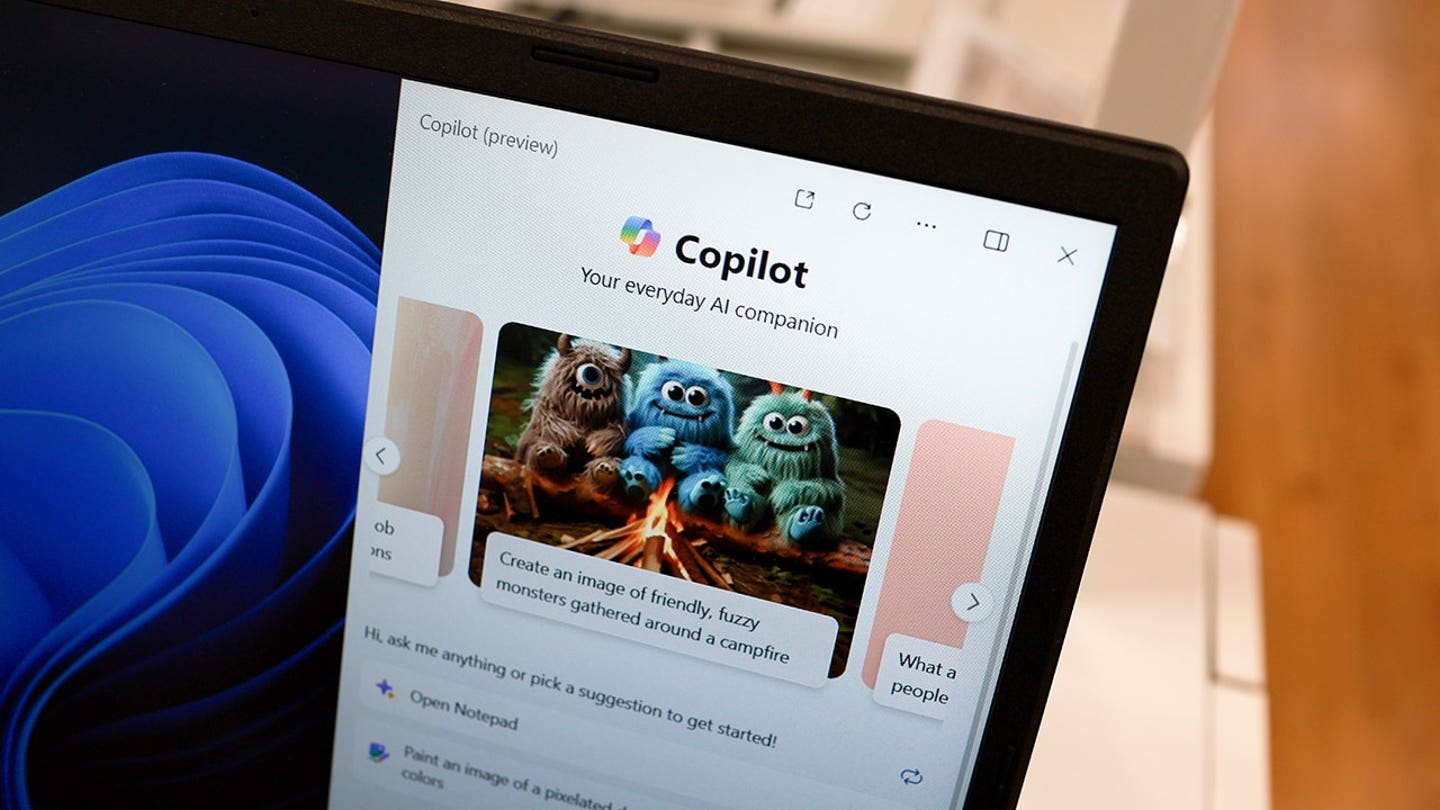
    The tech giant says text-message authentication is increasingly vulnerable to phishing attacks, SIM-swap scams and account takeovers. (Joe Raedle/Getty Images)


    Microsoft account security steps to take now

    Do not rush through this change. A few minutes of cleanup can save you a big headache later.

    1) Add a backup email you still use

    Your recovery email should be an account you can access today. If it points to an old work email or a forgotten inbox, update it.

    2) Remove old phone numbers

    Check whether your Microsoft account still lists an old number. If it does, remove it or replace it with your current number.

    3) Turn on Microsoft Authenticator

    Microsoft Authenticator can give you another secure way to verify your identity. It can also help if you have trouble with SMS or email.

    4) Save recovery codes safely

    If Microsoft offers backup codes, store them somewhere secure. Do not keep them in a plain note called “Microsoft password.”

    5) Use a strong password manager

    Even if you move to passkeys, a password manager still helps. It can store strong passwords, flag reused logins and help you avoid fake sign-in pages. Check out the best expert-reviewed password managers of 2026 at CyberGuy.com.
    IF SOMEONE GETS INTO YOUR EMAIL, THEY OWN EVERY ACCOUNT YOU HAVE. THESE 3 MOVES LOCK THEM OUT FOR GOOD

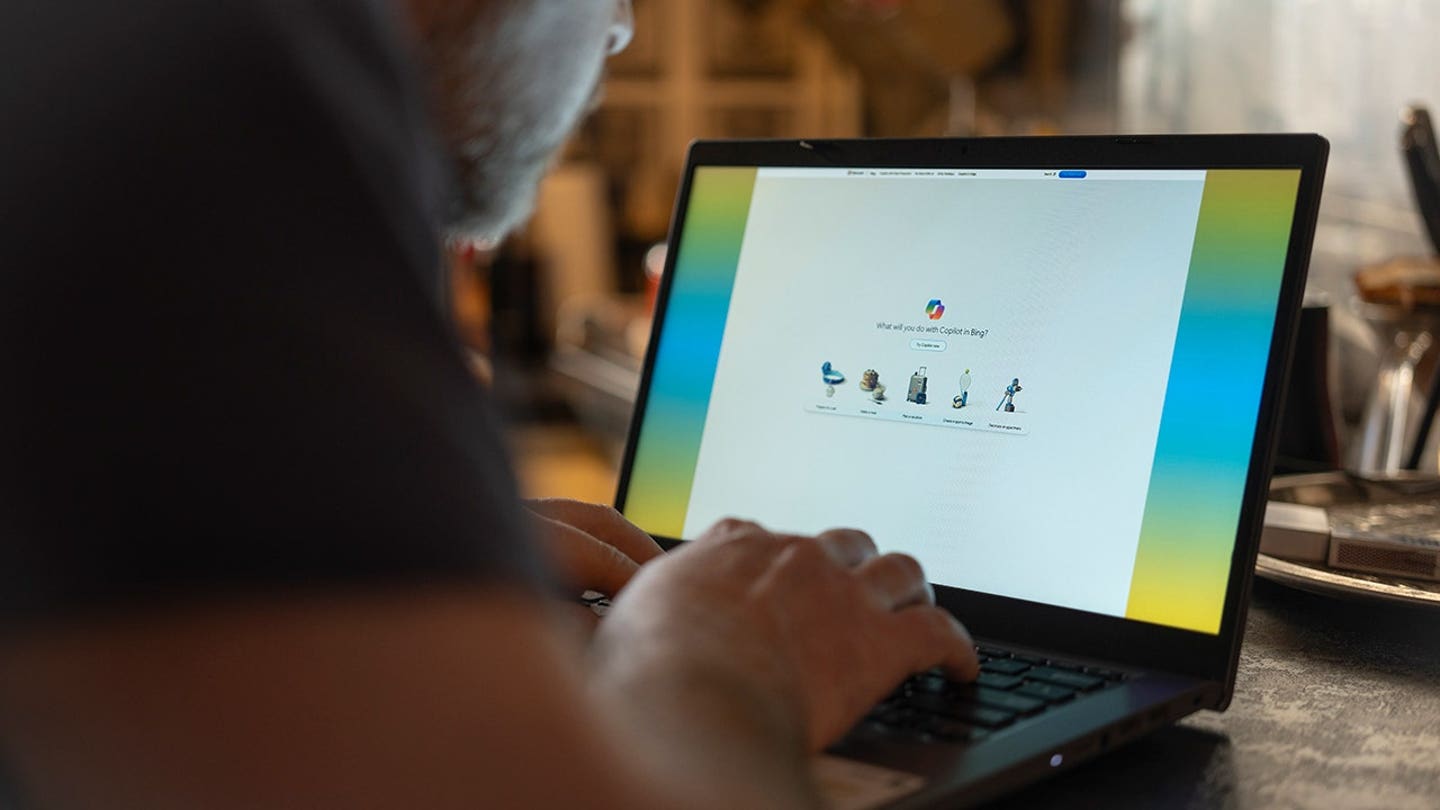
    Passkeys allow Microsoft users to sign in with a fingerprint, face scan, device PIN or security key instead of waiting for a text code. (Jaap Arriens/NurPhoto via Getty Images)

    Kurt’s key takeaways

    Microsoft’s move away from SMS codes may feel inconvenient at first. However, the old text-code system has too many weak spots. A passkey will not make you invincible. No security tool can promise that. Still, it can make account theft much harder for scammers who rely on fake login pages, stolen codes and SIM-swap tricks. If your Microsoft account holds years of email, family photos or work files, this change deserves your attention. Set up a passkey, verify your backup email and remove old recovery options.

    Would you trust a text message to protect your most important account, or has that comfort become the risk? Let us know by writing to us at CyberGuy.com.

    CLICK HERE TO DOWNLOAD THE FOX NEWS APP

    Sign up for my FREE CyberGuy Report

    • Get my best tech tips, urgent security alerts and exclusive deals delivered straight to your inbox.
    • For simple, real-world ways to spot scams early and stay protected, visit CyberGuy.com – trusted by millions who watch CyberGuy on TV daily.
    • Plus, you’ll get instant access to my Ultimate Scam Survival Guide free when you join.

    Copyright 2026 CyberGuy.com. All rights reserved.

    Kurt “CyberGuy” Knutsson is an award-winning tech journalist who has a deep love of technology, gear and gadgets that make life better with his contributions for Fox News & FOX Business beginning mornings on “FOX & Friends.” Got a tech question? Get Kurt’s free CyberGuy Newsletter, share your voice, a story idea or comment at CyberGuy.com.


    Original Source Link

    Share. Facebook Twitter Pinterest LinkedIn WhatsApp Email Reddit Telegram
    Previous ArticleStrava declares war on scrapers ahead of IPO
    Next Article Interior Secretary Falls Apart And Admits Trump Is Grifting Off America’s 250th Anniversary

    RELATED POSTS

    Streamer Hasan Piker claims UK denied his entry over Israel criticism

    June 1, 2026

    Padres’ Fernando Tatis Jr snaps 207 at-bat home run drought vs Nats

    May 31, 2026

    Kelsea Ballerini turns heads in sheer metallic dress on Instagram post

    May 31, 2026

    Pro wrestling star Killer Kross shares sweet moment when cat came into his life

    May 30, 2026

    Sean Duffy calls Virginia bus crash driver’s lack of English ‘unacceptable’

    May 30, 2026

    Archaeologists discover 2,500-year-old Bronze Age neck rings in Swedish grave

    May 29, 2026
    latest posts

    The 11 Best U.K. Prog Rock Groups of All Time

    Here are the 11 best U.K. prog rock groups of all time!When you think of…

    Financial fraud in an era of blockchain and AI

    June 1, 2026

    Interior Secretary Falls Apart And Admits Trump Is Grifting Off America’s 250th Anniversary

    June 1, 2026

    Microsoft to drop SMS login codes for personal accounts over security risks

    June 1, 2026

    Strava declares war on scrapers ahead of IPO

    June 1, 2026

    Hurricane season explained—and what to expect in 2026

    June 1, 2026

    The Witcher 4 Size Officially Confirmed, Goodbye To Our Social Lives

    June 1, 2026
    Categories
    • Books (1,278)
    • Business (6,182)
    • Events (55)
    • Film (6,119)
    • Lifestyle (4,215)
    • Music (6,237)
    • Politics (6,176)
    • Science (5,536)
    • Technology (6,115)
    • Television (5,802)
    • Uncategorized (7)
    • US News (6,170)
    popular posts

    HBO Max’s 10/10 Superhero Masterpiece Broke All The Rules Of The DC Universe

    Superhero shows have been excelling in a live-action TV format for some time, but one…

    Charli XCX admits that she “never really felt accepted” in the British music scene

    June 2, 2024

    PURE EVIL: DOJ Releases Racy Text Messages Between Oath Keepers Founder and His Attorney Girlfriend During His Bogus Sedition Trial

    October 18, 2022

    Animals as Leaders Mourn Guitar Tech Who Died at a Recent Concert

    July 19, 2023
    Archives
    Browse By Category
    • Books (1,278)
    • Business (6,182)
    • Events (55)
    • Film (6,119)
    • Lifestyle (4,215)
    • Music (6,237)
    • Politics (6,176)
    • Science (5,536)
    • Technology (6,115)
    • Television (5,802)
    • Uncategorized (7)
    • US News (6,170)
    About Us

    We are a creativity led international team with a digital soul. Our work is a custom built by the storytellers and strategists with a flair for exploiting the latest advancements in media and technology.

    Most of all, we stand behind our ideas and believe in creativity as the most powerful force in business.

    What makes us Different

    We care. We collaborate. We do great work. And we do it with a smile, because we’re pretty damn excited to do what we do. If you would like details on what else we can do visit out Contact page.

    Our Picks

    Hurricane season explained—and what to expect in 2026

    June 1, 2026

    The Witcher 4 Size Officially Confirmed, Goodbye To Our Social Lives

    June 1, 2026

    Jimmy Kimmel Mocks Trump With List of Insults as He Accepts Peabody Award

    June 1, 2026
    © 2026 New York Examiner News. All rights reserved. All articles, images, product names, logos, and brands are property of their respective owners. All company, product and service names used in this website are for identification purposes only. Use of these names, logos, and brands does not imply endorsement unless specified. By using this site, you agree to the Terms & Conditions and Privacy Policy.

    Type above and press Enter to search. Press Esc to cancel.

    We use cookies on our website to give you the most relevant experience by remembering your preferences and repeat visits. By clicking “Accept All”, you consent to the use of ALL the cookies. However, you may visit "Cookie Settings" to provide a controlled consent.
    Cookie SettingsAccept All
    Manage consent

    Privacy Overview

    This website uses cookies to improve your experience while you navigate through the website. Out of these, the cookies that are categorized as necessary are stored on your browser as they are essential for the working of basic functionalities of the website. We also use third-party cookies that help us analyze and understand how you use this website. These cookies will be stored in your browser only with your consent. You also have the option to opt-out of these cookies. But opting out of some of these cookies may affect your browsing experience.
    Necessary
    Always Enabled
    Necessary cookies are absolutely essential for the website to function properly. These cookies ensure basic functionalities and security features of the website, anonymously.
    CookieDurationDescription
    cookielawinfo-checkbox-analytics11 monthsThis cookie is set by GDPR Cookie Consent plugin. The cookie is used to store the user consent for the cookies in the category "Analytics".
    cookielawinfo-checkbox-functional11 monthsThe cookie is set by GDPR cookie consent to record the user consent for the cookies in the category "Functional".
    cookielawinfo-checkbox-necessary11 monthsThis cookie is set by GDPR Cookie Consent plugin. The cookies is used to store the user consent for the cookies in the category "Necessary".
    cookielawinfo-checkbox-others11 monthsThis cookie is set by GDPR Cookie Consent plugin. The cookie is used to store the user consent for the cookies in the category "Other.
    cookielawinfo-checkbox-performance11 monthsThis cookie is set by GDPR Cookie Consent plugin. The cookie is used to store the user consent for the cookies in the category "Performance".
    viewed_cookie_policy11 monthsThe cookie is set by the GDPR Cookie Consent plugin and is used to store whether or not user has consented to the use of cookies. It does not store any personal data.
    Functional
    Functional cookies help to perform certain functionalities like sharing the content of the website on social media platforms, collect feedbacks, and other third-party features.
    Performance
    Performance cookies are used to understand and analyze the key performance indexes of the website which helps in delivering a better user experience for the visitors.
    Analytics
    Analytical cookies are used to understand how visitors interact with the website. These cookies help provide information on metrics the number of visitors, bounce rate, traffic source, etc.
    Advertisement
    Advertisement cookies are used to provide visitors with relevant ads and marketing campaigns. These cookies track visitors across websites and collect information to provide customized ads.
    Others
    Other uncategorized cookies are those that are being analyzed and have not been classified into a category as yet.
    SAVE & ACCEPT